
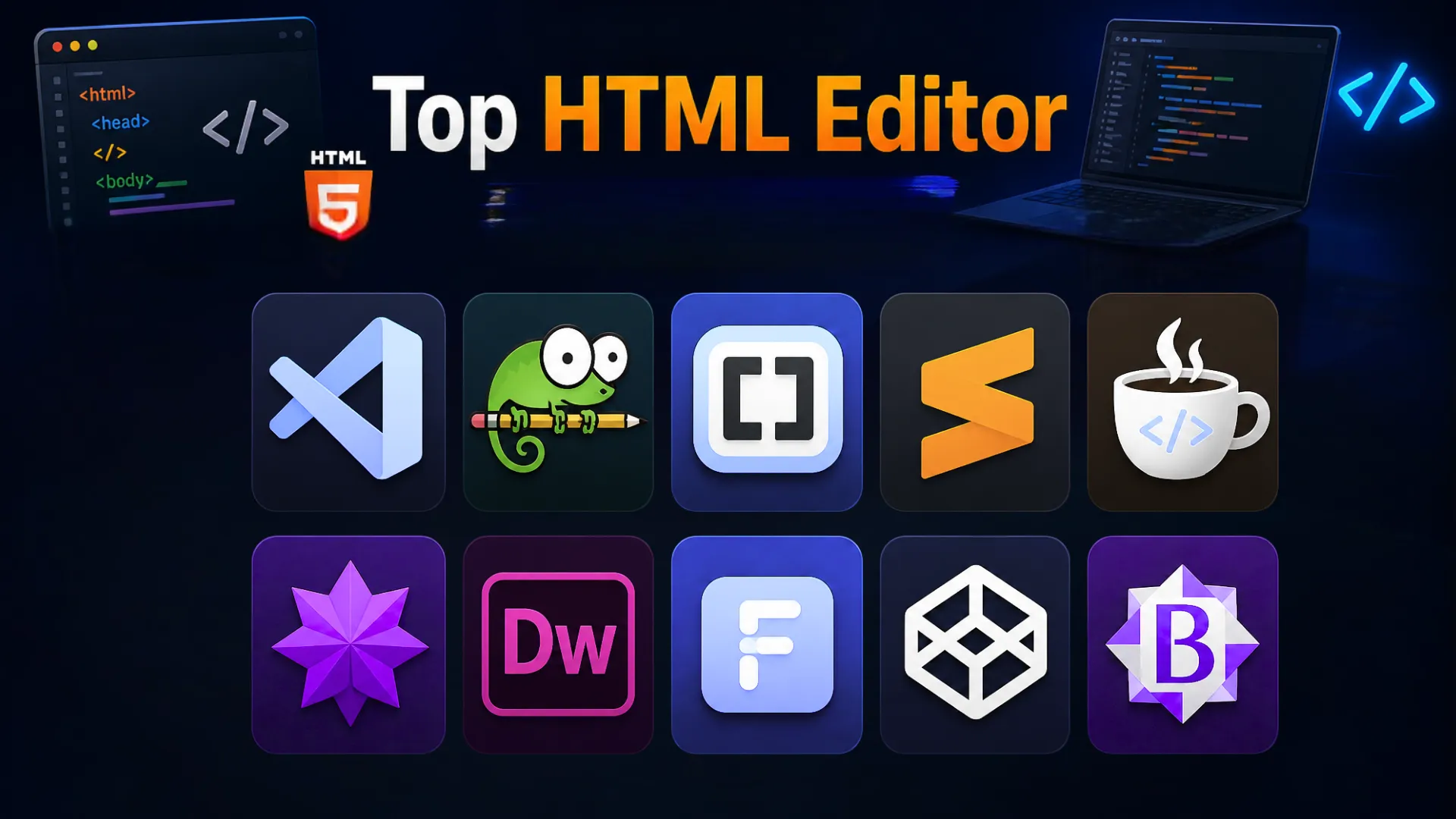
Today, top companies use tools to write HTML code. More than just saving developers’ time, this helps in building, debugging, and scaling web projects that are in the planning stage.
Additionally, for developers, this transition to technology helps them move beyond basic HTML code writing, thereby extending their functionality towards strategic thinking. What’s more, this aspect also helps streamline their workflows, reduce errors, and improve code quality.
So, we can say that choosing a good HTML editor is necessary for enterprises. Beyond these said outcomes, it allows features like:
- Syntax highlighting,
- Auto-completion of code,
- Sharing live previews,
- Allowing code refinements faster,
- Providing debugging support and more.
Overall, it enables a developer to build more reliable and SEO-focused websites. Fundamentally, this is why an HTML editor is a must-have in their web development checklist in 2026.
With this perspective, this guide helps developers choose among the industry’s top HTML editors, covering their features. Furthermore, we delve into the factors that can help teams assess the right tool for them, based on their unique project and workflow needs.
Code Editor Market Overview
Definitely, each industry is welcoming automated tools and technologies to improve its business outcomes. The face of webpage and software development is following the same line of trend, where companies are increasingly using code editors today. Mainly, this is due to aspects like growing demand for automation, efficiency, and quality in code writing.
It is a foundation for building, testing, and scaling modern apps and web pages faster. From a market point of view, their growth curve is strongly pacing. Research shared by Growth Market Report shares that this industry was previously valued at USD 1.47 billion in 2024, and its projected value by 2033 would be approximately USD 12.62 billion. Mathematically, this reflects a steady expansion of 23.9% growth at a global level.
So, this fact itself reflects that enterprises today should wait no longer to use HTML code editors, as they can help development teams achieve higher productivity and faster website performance.
What Makes a Great Code Editor for Developers in 2026?
Well, a great code editor is not a simple tool. It is the engine that can drive your productivity, speed, designs, accuracy, and much more. So, as times evolve, here are certain modern expectations that your code editor should be able to meet.
These are descriptively shared below:
AI-Driven Coding Support
Most modern editors offer AI-assisted code completion where suggestive changes and error detection are automated. This allows teams to write code faster and minimize bugs in no time.
Debugging Support
Error detection helps developers to improve their productivity, efficiency, and results. To allow that to happen, most tools offer built-in debugging support, which helps identify and fix code-related issues early.
Integration with Other Development Tools
Well, a code editor is not the only tool prevalent in the sphere of software development. So, a strong editor needs to allow integration with other tools, like:
- Version control (like Git)
- Frameworks (like React, Angular, Bootstrap)
- Deployment tools (Vercel, Docker, AWS)
This helps manage the entire development flow easily.
Lightweight Architecture
Teams need to always opt for a code editor that is fast and responsive, as it helps manage large projects well. From a practical viewpoint, this helps in managing workflows without interruption, even while handling complex coding and optimizations.
Customization
The next important aspect teams may need to look into is how the HTML code editor manages customizations. Does it support plugins, themes, and extensions? So, this aspect can help developers manage personalized and more complex projects with specific goals and deadlines.
Built-In Collaborative Support
Ultimately, there is a trend towards remote work in companies. This is why the tool that you choose must be able to support developers working remotely, thereby allowing their easy collaboration and communication. Overall, this will help improve the team’s efficiency and productivity in the long run.
Cross-Platform Compatibility
Apart from collaborative support, developers need to work to build apps for different operating systems and devices. So, the HTML code editor must be able to present code files accordingly, thereby assuring high-value output, consistency, and flexibility in code.
Security and Code-Quality Management
Apart from these aspects, any advanced HTML code editor tool cannot miss the basic security checks that code files need. This is an essential benchmark ensuring compliance, security, and reliability in the company’s software development workflows.
Syntax Highlighting and Auto-Complete
Well, syntax highlighting is another technical aspect that visually helps differentiate between elements like tags, attributes, and values. Additionally, autocomplete shares meaningful code suggestions with the developers. Overall, these complement each other and add to the output’s speed and accuracy, leading to reduced errors.
Live Previews
Next in the list, we have the live preview feature. This element in the HTML editor allows developers to observe code changes in real time, which helps instantly validate the changes in code. So, this makes the development output more foolproof and accurate, while ensuring code quality.
Multi-Language Support
Essentially, today, a developer can rely on a code editor only if it works across multiple languages. This mainly helps coders work on HTML, CSS, and JavaScript seamlessly, allowing them to build complete web interfaces in one place. So, this makes their work faster and better.
That being said, this is the complete list that includes all the key features that a great HTML code editor must have. So, this is “the checklist” for leaders when selecting the best development tool for their projects in 2026.
Top 10 HTML Code Editors for Developers
Diving into the features that are a must in a modern HTML code editor, now let us explore the best tools that developers can choose from, based on their unique development needs.
Here are some of them offering a mix of both lightweight editing and full-scale IDE capabilities. So, let us begin with them:
1. Visual Studio Code
This is one of the best visual HTML editors in the industry, which is most suitable for complex and professional projects. Its key features for developers are shared below:
- This Visual Studio Code HTML is built on Electron, and it allows easy optimization of modern coding workflows.
- It supports smart features like IntelliSense, Emmet, and LSP, which make coding faster and smarter for teams.
- Additionally, it also provides support for Git, debugging, and additional integrations, which is a must-have aspect today.
With this choice, a developer will get a versatile tool that is fit for an end-to-end coding environment that supports customization.
2. Notepad++
Second in the list, we have Notepad++. This is best suited for developers who want a simple code editing tool. What’s more, its lightweight architecture is built using the C++ language, which is why it is very quick and responsive.
- Mainly, it offers features like syntax highlighting and macro support that can help your teams in automating repetitive tasks easily.
- What’s more, this tool can handle large files smoothly.
Thus, the key insight is that for teams that want speed, relevance, and simplicity in one single tool, Notepad++ is the perfect choice.
3. Brackets
Considering the third tool we have in our list, Brackets is an ideal HTML editor with live preview for developers. Mainly, it provides preprocessor support and free extensions to support HTML, JavaScript, and CSS languages.
- Feature-wise, it supports front-end UI and real-time design validation. So this means that developers can have real-time visibility of the design and code.
- What’s more, this tool assists development professionals with inline editing and coding customizations.
That being said, this tool is best if teams want no guesswork or follow-up rework in their workflows.
4. Sublime Text
Sublime Text is another HTML code editor that is best suited for developers who want fast, high-performance coding experiences.
- It is built using C++ and Python, which is why it is lightweight. Additionally, it offers plenty of features to handle large projects smoothly.
- These include customizations and cross-platform compatibility, and many others.
This is why Sublime Text is the perfect choice for teams looking for a tool to manage their complex codebases with no lag.
5. Coffee Cup
CoffeeCup is a great tool for beginners as it provides a guided approach where developers can learn and build their own HTML codebases and projects.
- It offers a free version for developers with built-in tag generators and structured UI tools.
- This makes it easier for professionals to manage pages even when they have no or minimal technical knowledge.
What’s more, it also includes FTP integration for direct publishing. This provides teams the chance to learn HTML coding and build projects simultaneously, without getting overwhelmed.
6. Nova
Another reliable HTML code editor for native macOS developers is Nova. Mainly, this software offers specialized features like built-in syntax highlighting for HTML, CSS, JavaScript, and multiple other languages.
- Additionally, it supports other smart AI-driven features like auto-detection indentation, customization, encoding support, and plugin integrations.
- Overall, these features are what allow developers to experience a faster and more responsive tool that helps them manage their day-to-day coding workflows easily.
For developers who need to maintain both performance and modern development capabilities, Nova is the right editor tool choice.
7. Adobe Dreamweaver
The next top-rated code editor tool in our research list is Adobe Dreamweaver. Essentially, this tool is best suited for more complex projects where developers want relatively more control in managing codebases.
- It has a powerful interface that allows designers to work on organizing layouts visually, while writing and editing HTML, CSS, and JavaScript code files.
- Further, this tool enables features like real-time preview across devices.
- What’s more, it offers code suggestions, syntax highlighting, and seamless integration of apps within the Adobe ecosystem, which makes it much more powerful and responsive.
So, this is a great tool if developers want a tried-and-tested, clean, and powerful code editor for their projects.
8. Froala
Froala is a lightweight code editor, best suited for developers who seek enhanced collaboration capabilities.
- Technically, it is built using JavaScript and APIs, which allows easier real-time code editing and plugin support.
- Furthermore, this interface can be used directly in apps, which makes it even more useful for a team of developers.
That being said, this tool offers both performance and simplicity, as it allows a collaborative editing space. Furthermore, it helps with faster and easier code updates which helps teams manage their workflows responsibly.
9.CodePen
Now, let us discuss a quick, browser-based code editor, i.e., CodePen. Mainly, this tool is fir for developers that need quick prototyping and testing of front-end code files.
- This tool is powered by smart features like live preview rendering. By using this tool, developers can easily write HTML, CSS, and JavaScript code instantly.
- This tool also offers a unique social development platform, where developers can share their knowledge and reuse each other’s code snippets.
So, for a beginner-level developer who is open to experimenting with ideas quickly, CodePen offers a fast, no-setup environment with instant feedback.
10. BBEdit
Last but not least, we have BBEdit, which is a reliable editor for macOS developers.
- This tool enables precise code editing, with advanced text processing capabilities.
- Furthermore, it supports large files easily, while providing features like syntax highlighting and scripting support. This is why this tool is reliable for managing complex projects.
That being said, it offers developers great control over code, thereby helping them ensure the right balance between performance, control, and efficiency.
| Editor | Platform Support | Cost/Licensing | Key Features | Primary Focus |
| Visual Studio Code | Windows, macOS, Linux | Free and open-source | AI-assisted coding, debugging, Git integration, and customization | Popular for beginners and advanced developers. |
| Notepad++ | Windows | Free HTML editor open-source | Quick editing and low system usage | Good for simple projects. |
| Brackets | macOS, Windows, Linux | Free and open-source | Live preview, In-line editing, and Pre-Processing support | Best suited for beginners |
| Sublime Text | macOS, Windows, Linux | Licensed software | Extremely lightweight Syntax highlighting and auto-complete | Best for developers who want customization over built-in features |
| Coffee Cup | Windows, macOS | Free version with paid software | Tag generators, FTP integration, and structured UI | Best for beginners experimenting and learning HTML |
| Nova | macOS | Free version with paid software | Fast performance, extensibility, and Git integration | Best for macOS developers seeking performance |
| Adobe Dreamweaver | Windows, macOS | Licensed software | Highly responsive design tool with real-time preview | Best for visual design and code workflows |
| Froala | Linux, macOS, Windows | Paid software | API integration and real-time collaboration | Best for collaborative and CMS-based editing |
| CodePen | macOS, Windows | Free and open-source | Live preview, browser-based editor offering support for preprocessors | Best for prototyping and front-end testing |
| BBEdit | macOS | Free version with paid software | Offers advanced search, text processing, scripting, and large file support | Best HTML editor for macOS offering precision editing |
So, this table offers a detailed comparative study explaining each HTML editor tool in our list, and the right choice from your end needs to be aligned to your workflow needs, platform preference, and the level of control your team requires.
Best HTML Editor by Operating System
That being said, let’s break down this choice based on aspects like platform compatibility, so that developers can make a more informed choice.
Best HTML Editor for Windows
Pro-level developers use an HTML editor for websites, such as Sublime Text, BBEdit, and Nova, which also offer customization and performance. Mainly, they are ideal for handling complex workflows.
Best HTML Editor for macOS
Specifically for macOS, editors like Sublime Text, Nova, and BBEdit provide a more native and responsive experience.
Best HTML Editor for Linux
For Linux environments, tools like Visual Studio Code, Sublime Text, and Brackets work well as they offer cross-platform support and flexibility for front-end development workflows.
How to Choose the Right HTML Editor (Beginner vs Pro)
Beyond basing this choice on the operating system, there are many aspects that matter. So, this section offers a beginner to pro editor selection that can help professionals make the right choice.
For Beginners
One of the best HTML editor for beginners are CoffeeCup, CodePen, and Adobe Dreamweaver, as they can help development professionals in visual code editing.
For Intermediate-Level Professionals
To support the workflows of a growing business, developers can opt for tools like Visual Studio Code, Sublime Text, and Brackets, which offer a good balance of features, flexibility, and ease of use.
For Experts
Last but not least, pro-level developers use an HTML editor for websites like Sublime Text, BBEdit, and Nova also offer customization and performance. They are also an ideal choice for handling complex workflows.
So, from our side, the final takeaway for developers is that you should choose an HTML editor that actively meets your workflow needs and supports not just code writing, but also optimization and advanced features that your project needs.
Categories
Recent Posts
Popular Posts
- How to Choose a Reliable Offshore Development Partner?
- Transforming Web Development with HTMX’s Declarative Approach for Dynamic UIs
- Top 15 Ecommerce Growth Strategies to Maximize Sales in 2026
- What is B2B Web Design? Benefits, Best Practices, and Examples
- Why Your Conversion Funnel Needs a Composable Commerce Solution?