- What PSD to HTML Conversion Actually Involves?
- PSD to HTML Conversion Process (Step-by-Step)
- Project Kickoff & Requirements Capture
- PSD Design Audit & Preparation
- Component Identification & Mapping
- Asset Export & Optimization
- Base HTML Markup
- CSS Architecture & Styling
- Responsive Behavior & Breakpoint Implementation
- Interactivity & Progressive Enhancement
- Accessibility & Internationalization Considerations
- Cross-Browser Testing & QA
- Best Practices for High-Quality PSD to HTML Conversion
- Using Frameworks: Bootstrap, Tailwind, and Component-Based Approaches
- PSD to HTML Cost and Pricing Explained
- PSD to HTML Vs. Modern Design To Code Approaches
- When To Outsource PSD To HTML Conversion Services
- Why Choose CSSChopper for PSD to HTML Conversion?
- Conclusion
Many businesses still rely on PSD files for their brand, marketing assets, and product interfaces. Turning these static designs into clean, responsive, and production-ready HTML requires more than slicing images or exporting layers. It demands a structured workflow that blends design understanding, accessibility, performance, and front-end engineering. That is why PSD to HTML conversion continues to play a key role in digital delivery pipelines.
Today, product teams expect faster releases, consistent user experiences, and pages that load quickly across devices. A well-executed PSD to HTML process helps achieve these outcomes. It converts a static concept into semantic markup, scalable components, and a layout that works across browsers and screen sizes. It also sets the foundation for SEO, analytics, and performance optimization.
This guide explains how PSD designs are transformed into HTML that supports modern business needs. You will learn the complete workflow, the best practices that matter, the typical pricing ranges, and the checklist businesses should follow before approving a final build.
What PSD to HTML Conversion Actually Involves?
PSD to HTML conversion is not just about exporting layers or copying visual elements. It is a detailed engineering workflow that turns a designer’s PSD into functional, responsive HTML, CSS, and JavaScript. The process involves the following aspects:
- Translating design systems
- Spacing rules
- Typography
- Interaction cues into real code
The work begins by analyzing the PSD structure. Developers review grids, layers, typography scales, and component patterns. This is essential for PSD to responsive HTML conversion, where dynamic behavior across mobile, tablet, and desktop needs to match the design intent.
The next step is to map each section to semantic markup. If you need to convert PSD to HTML, then it requires attention to detail. You also need to recreate a clear hierarchy for:
- Navigation
- Banners
- Forms
- Testimonials
- Content blocks
Developers also slice PSD to HTML where needed to extract icons, graphics, and image assets. For businesses, the final result is predictable, reusable, and easier to maintain. It brings precision, scalability, and the flexibility to integrate with any framework, CMS, or backend.
PSD to HTML Conversion Process (Step-by-Step)
A transparent process reduces risk and speeds delivery. Enterprises need clear stages, owners, and artifacts. Below is a production-ready, comprehensive PSD to HTML conversion procedure that teams can adopt.
Project Kickoff & Requirements Capture
You can start with stakeholder alignment. Capture business goals, KPIs, target audiences, and integration requirements. Produce a short brief that lists pages, dynamic sections, and acceptance criteria. This early alignment avoids scope creep and clarifies whether the output is a simple PSD to HTML page or a larger PSD to HTML front-end development engagement.
Deliverables: Project brief, component inventory, content map, analytics/tracking spec.
PSD Design Audit & Preparation
The next step is to audit the PSD for structure and readiness. Check layer naming, use of symbols, font licensing, and exportable assets. Flag missing content, unclear interactions, or design inconsistencies. During this step, teams decide where to slice PSD to HTML, which assets are vector-friendly (SVG), and which need faster optimization.
Deliverables: Annotated PSD, component list, and a breakpoint proposal.
Component Identification & Mapping
After that, break the design into atomic components. Map each visual block to a reusable component with props, states, and accessibility notes. This mapping reduces duplicated work and makes later reuse straightforward when converting to frameworks or CMS templates.
Why it matters: Component-driven work enables consistent semantic HTML5 coding.
Asset Export & Optimization
In this step, export images and icons in appropriate formats. Use SVG for icons and logos. Use WebP or AVIF for photos and decorative images. Create responsive image sets and frame export rules for retina and non-retina displays.
Best practice: Produce multiple sizes and add srcset/sizes attributes at build time to enable responsive images.
Base HTML Markup
Now create the page shell with semantic tags: header, nav, main, article, section, aside, and footer. Mark headings in logical order. Keep markup lean and accessible. This is the foundation for SEO and for implementing HTML CSS best practices.
Checklist: Meaningful tag use, no div-only layouts, ARIA roles only where necessary.
CSS Architecture & Styling
Choose a CSS architecture that fits the project scale: utility-first (Tailwind), BEM, CSS Modules, or component styles. Implement a mobile-first approach. Extract design tokens into variables. Keep critical CSS small and defer noncritical styles via code-splitting or async loading.
Goal: Consistent spacing, predictable overrides, and maintainable code that supports long-term responsive HTML development.
Responsive Behavior & Breakpoint Implementation
Translate the breakpoint proposal into CSS rules. Use content-driven breakpoints rather than device guesses. Implement fluid grids, clamp() for fluid typography where supported, and container queries when needed.
Testing: Verify layout on multiple widths, orientations, and device emulators to ensure components reflow correctly and avoid layout shifts.
Interactivity & Progressive Enhancement
Add only the necessary JavaScript. Use progressive enhancement so the site remains usable without JavaScript. Defer and async non-critical scripts. For interactive elements (menus, accordions, carousels), add accessible keyboard support and measurable fallbacks.
Tip: Prefer small, focused scripts to avoid monolithic bundles for simple landing pages.
Accessibility & Internationalization Considerations
Validate labels, form semantics, focus order, and color contrast. Implement skip links and logical tab stops. For enterprise projects with multi-region needs, plan for RTL support and locale-based assets. Document which parts of the component need locale injection or alternate art.
Deliverable: Accessibility checklist and localization notes.
Cross-Browser Testing & QA
Run automated and manual tests across supported browsers and devices. Automate visual regression tests to catch unintended CSS changes. Include keyboard-only and screen reader walkthroughs as part of QA.
Tools: Playwright or Cypress for E2E, Percy or Chromatic for visual diffs, Lighthouse for performance baselines.
Best Practices for High-Quality PSD to HTML Conversion
High-quality PSD to HTML work relies on disciplined front-end frameworks and practices. These steps help teams build code that is scalable, accessible, and visually consistent with the original design. Below is the PSD to HTML checklist for businesses that they can keep in mind.
Use Semantic and Accessible HTML
Apply semantic HTML5 coding to structure content correctly. Make text readable by screen readers and follow web accessibility HTML rules for labels, alt text, and contrast.
Maintain Clean, Modular CSS
Follow HTML CSS best practices like organized naming, reusable classes, and consistent spacing. This improves maintainability and reduces CSS conflicts across pages.
Match Designs with Precision
Aim for pixel-perfect HTML conversion by validating padding, alignment, typography, and spacing against the PSD. Accuracy keeps the design and brand consistent.
Build Responsively from the Start
Use mobile-first layouts, fluid grids, and flexible images. This ensures stable and responsive HTML development across mobile, tablet, and desktop.
Optimize Assets and Page Speed
Compress images, export SVGs when possible, and follow frontend conversion best practices to improve performance and user experience.
Test Across Browsers and Devices
Every build must pass cross-browser HTML testing to ensure consistent visuals and behavior across Chrome, Safari, Firefox, and Edge.
Plan for Component Reuse
Structure UI blocks for easy reuse, especially if the project will scale into frameworks like React. This supports cleaner PSD to HTML front-end development and smoother transitions.
Using Frameworks: Bootstrap, Tailwind, and Component-Based Approaches
Modern teams often extend PSD to HTML workflows with frameworks to improve speed, maintainability, and UI consistency. Choosing the right approach depends on project scale, performance needs, and long-term plans.
Converting PSD to HTML Using Bootstrap or Tailwind
Frameworks like Bootstrap and Tailwind accelerate development by providing prebuilt utilities and responsive grids. When applying PSD to HTML using Bootstrap or Tailwind, developers map design elements to utility classes or component structures. This reduces CSS writing time and improves predictability across large websites.
Component-Based Development for Scalability
Enterprises benefit from breaking pages into reusable UI blocks. This approach makes PSD to HTML front-end development easier to maintain and extend. Components reduce duplication, support design consistency, and simplify future redesigns. They also streamline integration with CMS systems or page builders.
Migrating PSD Designs to React Components
Teams building interactive applications or dashboards often prefer React. In these cases, developers perform PSD to React conversion to turn static sections into reusable JSX components. This enables faster iteration, better state management, and stronger scalability for complex UIs.
When Frameworks Make Sense
Use frameworks when:
- You need consistent responsive behavior
- The project has multiple pages or templates
- The design system needs scalability
- Developers want faster styling with utility classes
Avoid frameworks and go for a PSD to HTML converter if the design requires highly custom UI elements that utility-first approaches might restrict.
PSD to HTML Cost and Pricing Explained
Budget planning is important for businesses considering PSD to HTML conversion services. The total PSD to HTML cost depends on various factors, such as:
- Design complexity
- Number of screens
- Responsiveness requirements
- Animations
- Testing scope
When working with professionals, the costs usually vary by region and team skill level. If you hire PSD to HTML experts, the pricing may be hourly or fixed per page. Larger organizations often prefer fixed quotes for predictable budgeting. Below, we have outlined the PSD-to-HTML pricing model in a structured way.
| Project Type | Description | Estimated PSD to HTML Cost |
| Simple Landing Page | 1 page, basic sections, standard layout, limited interactions | $80 to $150 |
| Standard Multi-Section Page | Homepages, service pages, multi-block marketing pages | $120 to $250 |
| Complex Page with Animations | Sliders, carousels, micro-interactions, advanced layouts | $200 to $450 |
| Multi-Page Website (5 to 8 pages) | Consistent design system, responsive grids, forms | $500 to $1200 |
| Large Marketing Site (10+ pages) | Structured templates, blogs, reusable components | $1200 to $3000 |
| PSD to HTML Front-End Development | Component-based work for CMS or frameworks | $1500 to $5000 |
| PSD to React Conversion | React components, props, state logic, reusable JSX | $2500 to $8000 |
| Enterprise Projects | Multi-language, accessibility, advanced QA, integrations | Custom Quote |
PSD to HTML Vs. Modern Design To Code Approaches
The design-to-code landscape has evolved. Teams no longer rely exclusively on Photoshop. Tools like Figma and Webflow have changed how digital products are designed and delivered. Even so, PSD to HTML remains relevant for brands with legacy assets, established workflows, or archived design systems.
Understanding its place in today’s ecosystem helps businesses choose the right approach.
Modern Figma-First Workflows
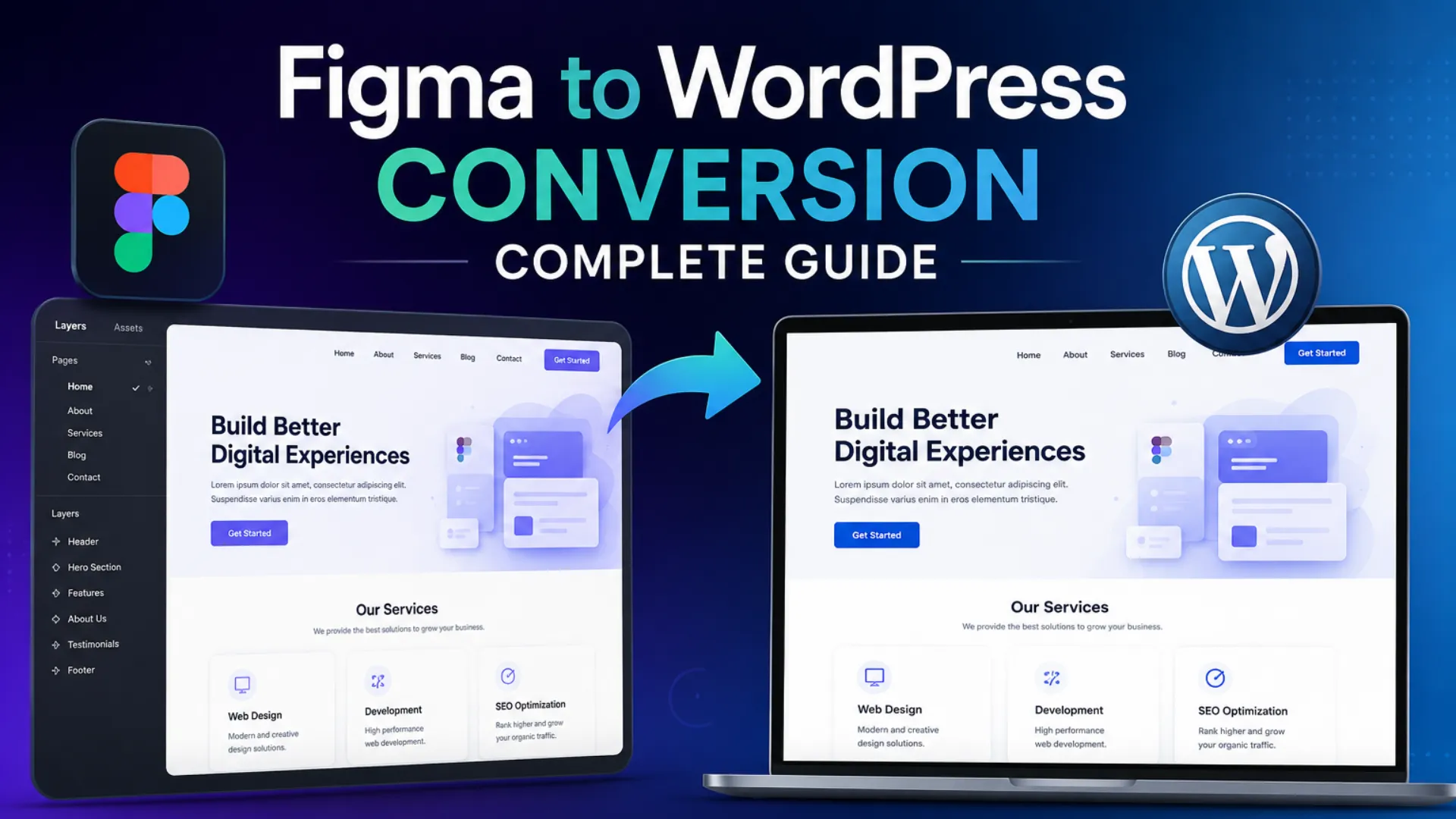
Many organizations now design in Figma because it supports collaboration, real-time editing, and component libraries. Converting Figma screens into code through Figma to HTML workflows is faster and easier for teams that already maintain modern UI kits.
When PSD Still Makes Sense
Enterprises with long-standing design assets continue to use Photoshop for high-fidelity graphics, product imagery, or legacy brand layouts. In these cases, PSD to HTML provides a reliable path to build landing pages, marketing sites, or campaign-specific interfaces.
Flexibility Through Design to Code Services
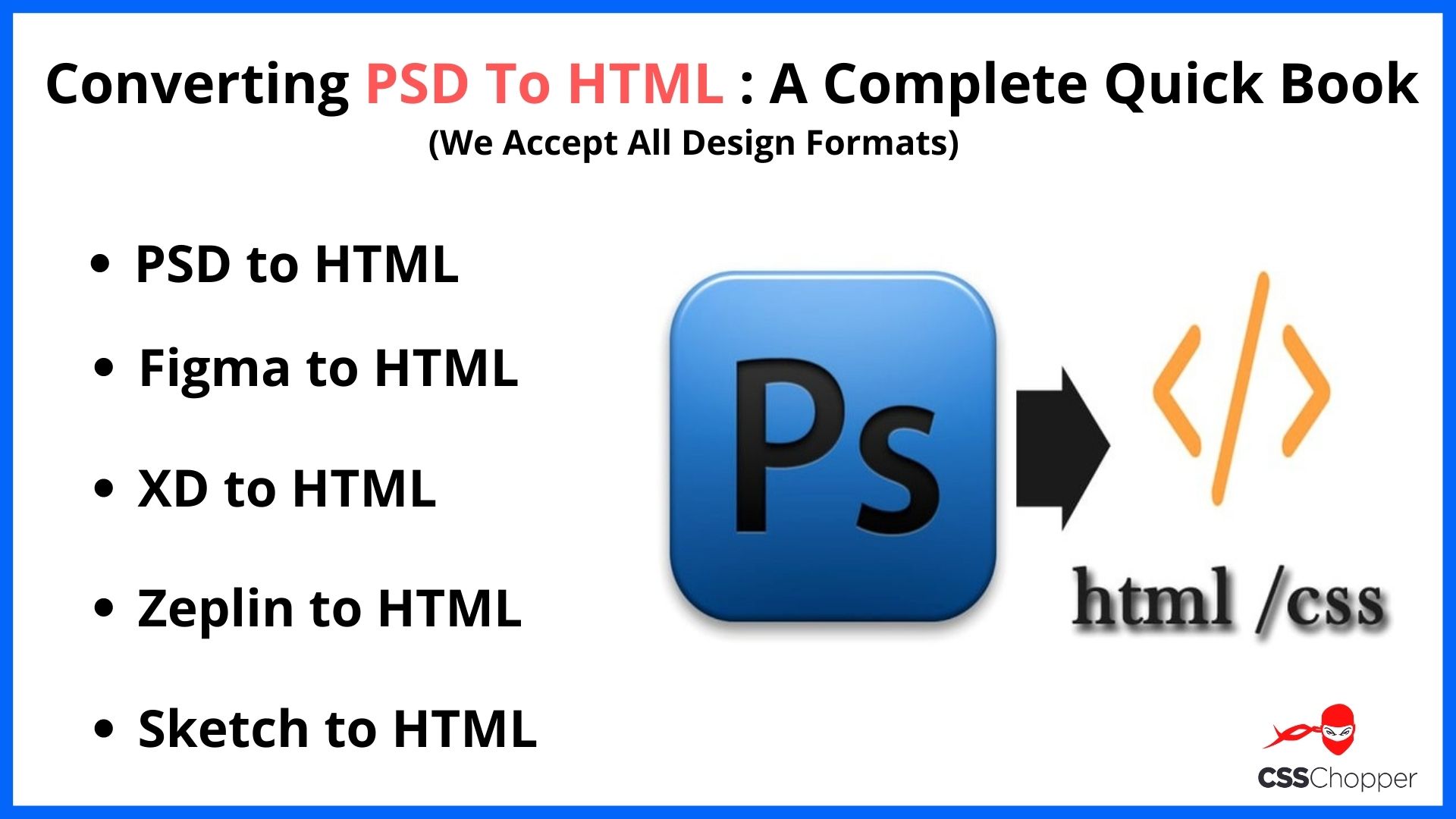
Some teams opt for a broader design to code services when they need a flexible pipeline that supports PSD, Figma, Sketch, and Illustrator files. This approach helps large organizations standardize front-end delivery regardless of design source.
Component-Based Future With React
When products demand interactivity or scalable UI logic, teams rely on component-driven frameworks. This is where PSD to React conversion becomes valuable. Developers convert static PSD sections into JSX components with props and state management.
This approach supports long-term scalability for dashboards, SaaS platforms, and complex web applications.
Choosing the Right Path
Use PSD when:
- You have legacy design systems.
- The team works heavily in Photoshop.
- High-fidelity graphics require raster precision.
- Brand guidelines rely on PSD files.
Use modern tools when:
- You need faster iteration.
- Teams collaborate in real time.
- Your product is component-driven.
- You’re building scalable UI systems.
Both approaches can work, but the right choice depends on your workflow maturity and project goals.
When To Outsource PSD To HTML Conversion Services
Outsourcing PSD to HTML conversion services is a practical option for businesses that want predictable quality, faster turnaround, and access to specialized front-end skills. Let’s take a look at various scenarios for outsourcing Photoshop to HTML.
When Internal Teams Lack Bandwidth
Product and engineering teams often focus on core features, releases, or platform updates. In these situations, outsourcing to a PSD to HTML agency helps avoid delays while maintaining quality standards.
Impact: Specialized vendors handle slicing, coding, testing, and optimization without adding workload to internal developers.
When Precision and Visual Accuracy Matter
Marketing and brand teams expect their designs to appear exactly as created. Outsourcing to a professional PSD to HTML development company ensures accurate layouts, cleaner code, and better responsiveness.
Impact: Experts deliver consistent results and follow practices that support pixel-perfect HTML conversion and semantic coding.
When You Need Faster Delivery
Tight deadlines for campaigns, product launches, or redesigns often require quick turnarounds. When you hire PSD to HTML experts, you get a dedicated team working in parallel with your internal workflows.
Impact: This shortens development cycles and reduces the risk of missed deadlines.
When Quality Assurance Is a Priority
Specialized teams offer deep QA processes, including accessibility checks, loading performance audits, and cross-browser HTML testing.
Impact: This is especially important for enterprises that rely on consistent user experiences across many devices and markets.
When You Want Predictable Budgeting
Outsourcing helps businesses control expenses through clear PSD to HTML pricing models.
Impact: A fixed scope for each page or component eliminates surprises and supports better project planning.
When You Need Front-End Integration
Some businesses need more than static HTML. They require templates, components, or CMS-ready structures.
Impact: Outsourcing supports PSD to HTML front-end development, where vendors tailor the output for WordPress, Shopify, React, HubSpot, or enterprise portal systems.
Why Choose CSSChopper for PSD to HTML Conversion?
We deliver fast, accurate, and high-quality PSD to HTML conversion backed by expert developers and a proven workflow. Our experts focus on pixel-perfect results, semantic coding, and fully responsive layouts that work across all devices.
As a top PSD to HTML development company, it handles complex designs, accessibility needs, and CMS or framework integrations with ease. With strong communication, reliable timelines, and clean code standards, CSSChopper ensures smooth delivery and long-term scalability.
Conclusion
A successful PSD to HTML conversion is more than a technical handoff. It is a structured process that connects design intent with real-world performance, accessibility, and scalability. When handled by a skilled PSD to HTML development services provider, the conversion delivers semantic code, responsive layouts, pixel accuracy, and stable front-end architecture that supports long-term business goals.
The goal is not just to recreate a PSD in code. The goal is to produce fast, accessible, and future-ready HTML that reflects your brand and strengthens the user experience. With the right approach, the conversion process becomes a decisive step toward building scalable digital experiences.
Categories
Recent Posts
Popular Posts
- How to Choose a Reliable Offshore Development Partner?
- Transforming Web Development with HTMX’s Declarative Approach for Dynamic UIs
- Top 15 Ecommerce Growth Strategies to Maximize Sales in 2026
- What is B2B Web Design? Benefits, Best Practices, and Examples
- Why Your Conversion Funnel Needs a Composable Commerce Solution?