- What is a Website?
- What is a Web Application?
- Web App vs. Website: Core Differences Explained Clearly
- Technology Stack and Architecture Behind Web Apps and Websites
- Web App vs. Website User Experience and Performance
- Web App Development Cost vs Website Development Cost
- Are Web Apps Good for SEO Compared to Websites?
- Web App vs. Website for Business and Startup Use Cases
- Pros and Cons of Web Apps vs Websites
- How to Choose Between a Web App and a Website
- Conclusion: Which One Should You Choose?
- How CSSChopper Can Help You Build a Web App or Website
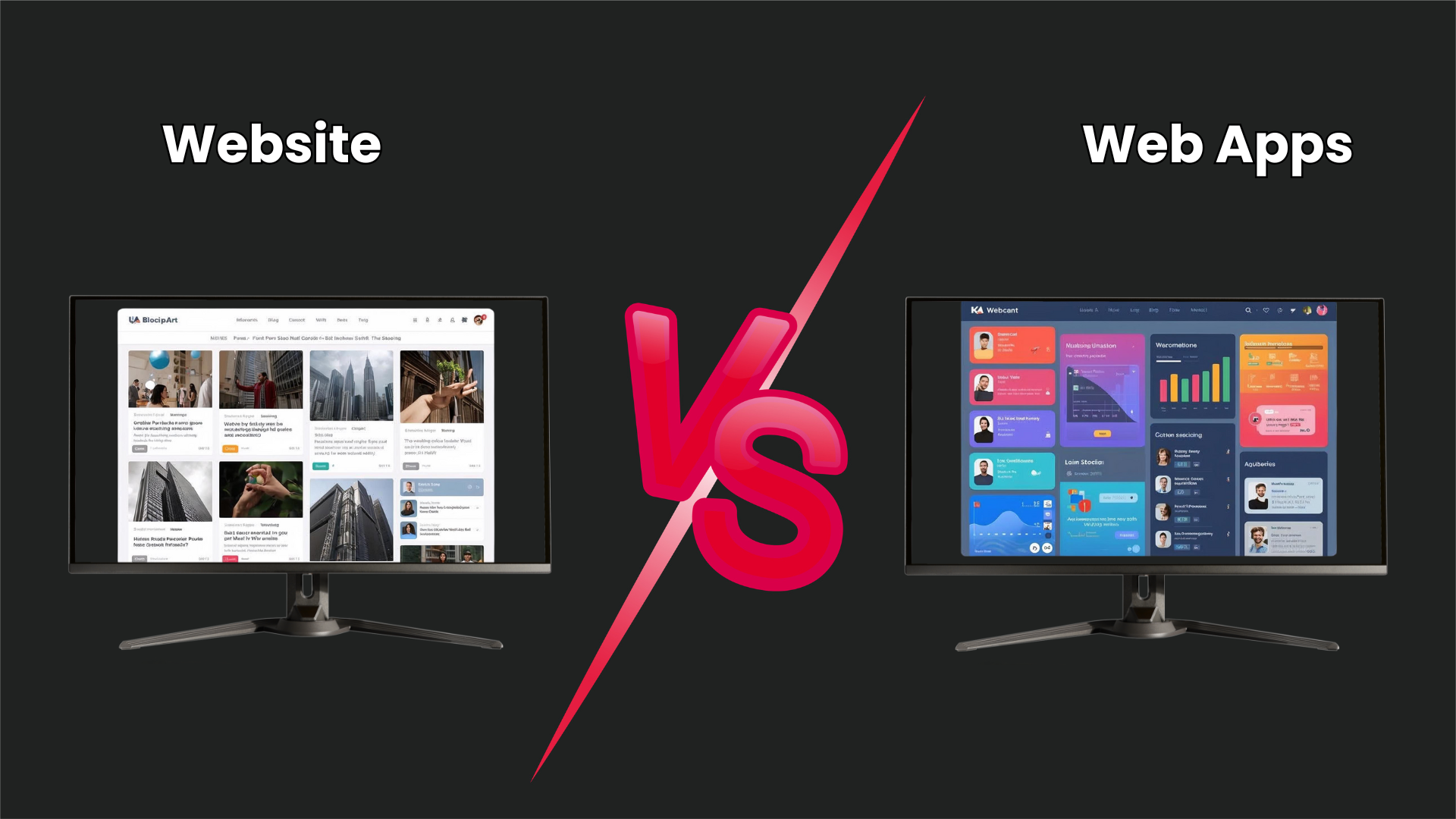
When shaping your digital presence, the debate around web app vs website often arises as businesses look for the right solution. Many people use these terms interchangeably, but they are not the same. Understanding the difference between a website and a web application is essential because it directly affects your user experience, development cost, scalability, and long-term business goals.
A web application vs website comparison becomes even more relevant today, as businesses aim to deliver more interactive, personalized, and data-driven experiences. While a website is often built to share information and build visibility, a web app focuses on user actions, real-time interactions, and solving specific problems.
So, how do you decide which one fits your needs? In this guide, we will break down the web app vs website differences, explain how each works, compare features, costs, SEO impact, and use cases. We will help you confidently choose the right solution for your business or startup.
What is a Website?
A website is a collection of interconnected web pages accessible via a single domain name. The website definition usually focuses on content delivery rather than complex functionality. Most websites are designed to inform, educate, or promote a brand. Think of company homepages, blogs, portfolios, or news portals. These are classic examples of websites where users primarily consume content rather than perform advanced tasks.
Website Definition in Technical Terms
From a technical point of view, a website is built using HTML, CSS, and sometimes JavaScript, and it runs on a web server that delivers pages to users’ browsers. The core idea behind the website is to show content in a structured, user-friendly way.
Whether it is a small business site or a large corporate portal, the goal remains the same. Share information clearly and make it easy for visitors to find what they are looking for.
Key Website Features You Should Know
Some common website features include:
- Informational pages like Home, About, and Contact
- Blogs or articles for content marketing
- Image galleries and media sections
- Basic forms for inquiries or sign-ups
- Navigation menus for easy browsing
These features of websites focus more on presentation and accessibility rather than deep user interaction.
Static vs. Dynamic Websites Explained
When discussing websites, it is also important to understand the difference between static and dynamic websites.
Static websites show the same content to every user and usually change only when the developer updates the files.
Dynamic websites, on the other hand, pull content from a database and can change based on user behavior, location, or time.
Common Examples of Websites
Here are a few everyday website examples you interact with:
- Business and corporate websites
- Personal blogs and portfolios
- News and media portals
- Educational and informational sites
- Marketing landing pages
All these platforms are built mainly to deliver content, build trust, and improve online visibility.
What is a Web Application?
If a website is about sharing information, a web app is about getting things done. The simple definition of a web app is a software application that runs in a web browser rather than being installed on a device. In a web app vs website discussion, this is where the biggest difference starts to appear. A web app is designed for functionality first, not just content.
Web App Definition and How It Works
From a technical perspective, the meaning of a website app involves both the frontend and the backend. The frontend of a web app is critical as it handles what users see and interact with, while the backend processes logic, stores data, and manages requests. This setup allows users to log in, submit data, and get personalized results in real time. That is why dynamic web applications feel more like software tools than simple web pages.
Core Web App Features for Interactivity
Some essential features of a web app include:
- User authentication and login systems
- Personalized dashboards and profiles
- Data creation, editing, and storage
- Real-time updates and notifications
- Integration with APIs and third-party tools
These web app features make the experience highly interactive and user-driven, unlike most traditional websites.
Dynamic Web Applications and Real-Time Behavior
Most web apps fall under the category of dynamic web apps. This means the content and interface change instantly in response to user actions. Whether you send a message, update a task, or place an order, the system responds right away. This real-time behavior is what separates dynamic website applications from content-focused websites.
Popular Examples of Web Apps
To better understand what web apps are, here are some common examples of web apps you may already use:
- Email platforms like Gmail
- Project management tools like Trello or Asana
- Social media platforms
- Online banking systems
- SaaS tools like CRM or accounting software
These web apps allow users to log in, interact with data, and complete tasks, all from a browser.
Web App vs. Website: Core Differences Explained Clearly
Let’s simplify the website vs web application debate by comparing functionality, interactivity, user access, and real-time behavior to understand the actual differences.
Web App vs Website Comparison Table
| Aspect | Website | Web App |
| Purpose | Shares information and content with users | Helps users perform tasks and complete actions |
| Focus | Content-driven experience | Task-driven, functional experience |
| Interactivity | Limited interaction, like reading or forms | High interactivity with interactive web apps |
| User Access | Mostly open to all visitors | Requires user authentication in web apps |
| Real-Time Behavior | Rarely updates instantly | Supports real-time web applications |
| Data Handling | Minimal data processing | Creates, edits, and stores user data |
| Personalization | Same content for most users | Personalized dashboards and workflows |
| Examples | Blogs, company sites, portfolios | Email tools, CRMs, SaaS platforms |
| Complexity | Simple to moderate | More complex logic and workflows |
| Overall Nature | Informational | Application-like experience |
Technology Stack and Architecture Behind Web Apps and Websites
Understanding how platforms are built is key to the web app vs website decision. The tools, frameworks for web apps, and structure you choose directly impact performance, scalability, and future upgrades. This section breaks down the technologies for web apps and the typical setup used for website app development.
| Layer | Website | Web App |
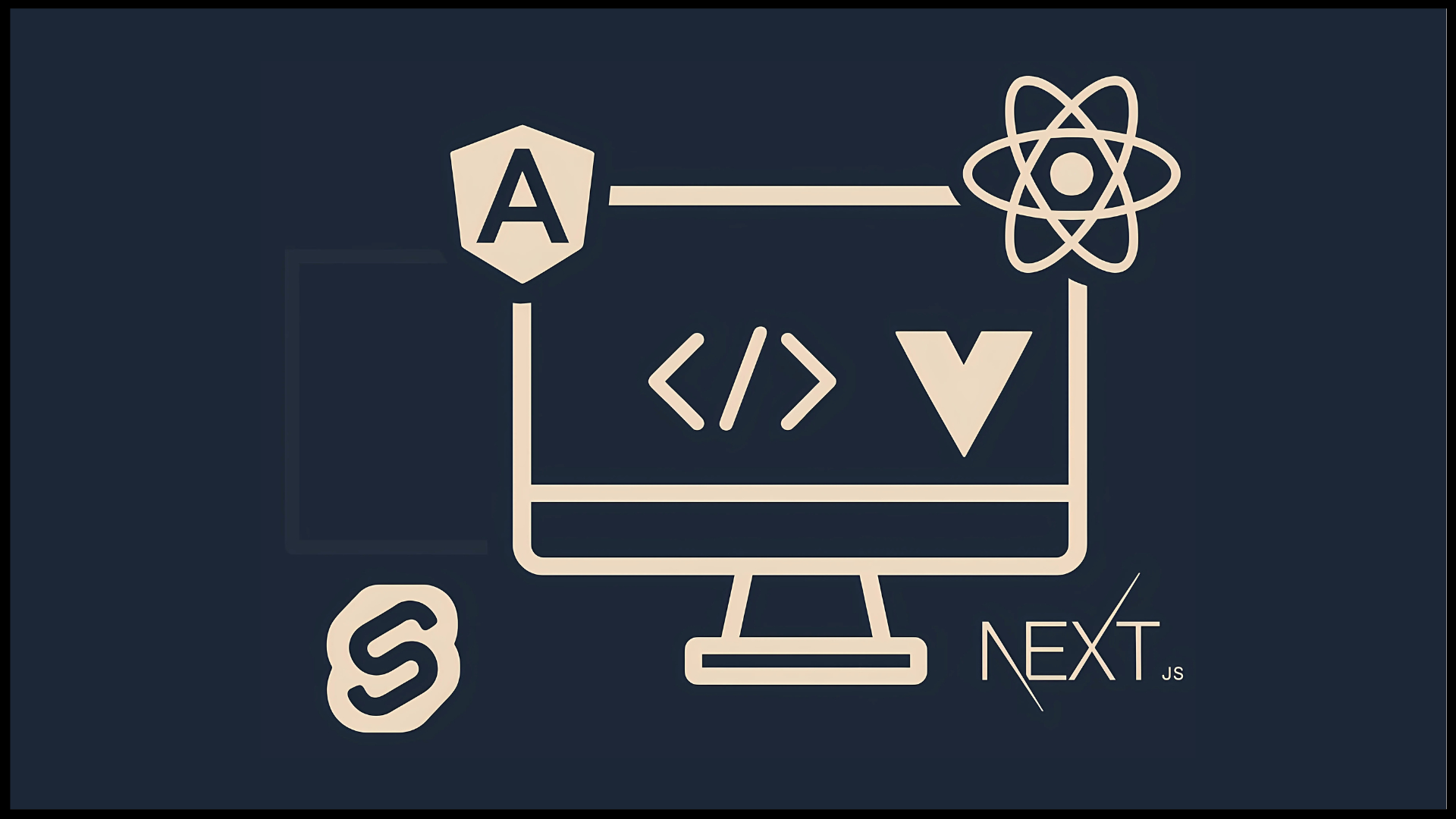
| Frontend | HTML, CSS, JavaScript | React, Angular, Vue |
| Backend | PHP, CMS logic | Node.js, Python, Java |
| Database | Optional/minimal | MySQL, PostgreSQL, MongoDB |
| Frameworks | WordPress, Drupal | Express, Django, Spring |
| APIs | Rare | Core to functionality |
| Hosting | Shared / basic servers | Cloud platforms (AWS, Azure) |
Web App vs. Website User Experience and Performance
User experience and speed play a major role in deciding between web app vs website. According to Google, 53% of mobile users leave a site if it takes more than 3 seconds to load. That shows how critical both website and web app user experience are to engagement, retention, and conversions.
Let’s see how each performs in real-world scenarios.
1. Web App User Experience vs Website User Experience
The website user experience is usually linear. Users visit, read content, and navigate between pages. It works well for information-driven goals, such as branding and awareness.
In contrast, web app user experience is built around interaction and personalization. Users log in, manage dashboards, and perform tasks. According to a Salesforce report, 76% of users expect companies to understand their needs and personalize interactions, which is precisely what a strong web app user experience enables.
This makes web apps ideal for SaaS platforms, portals, and tools where engagement matters more than just content.
2. Website Loading Speed vs Web App Performance
Speed directly impacts revenue. A study by Portent shows that websites that load in 1 second convert 3x more than those loading in 5 seconds. That is why website loading speed is a top priority for content-driven sites.
For web apps, the focus shifts to web app performance after the initial load. Once logged in, users expect instant responses. Google’s Web Vitals recommend that interactions happen within 100 milliseconds for a smooth experience. High web app performance ensures users can work without friction, even if the first load takes slightly longer.
3. Responsive Web Design and Mobile-Friendly Websites
Mobile traffic dominates the web today. Statista reports that over 58% of global website traffic comes from mobile devices. This makes responsive web design non-negotiable.
With responsive web design, layouts adapt to screens of all sizes, ensuring mobile-friendly websites deliver consistent browsing experiences. Web apps follow the same principle, making tools usable across devices without separate mobile versions.
If your platform is not mobile-optimized, you risk losing more than half your potential users.
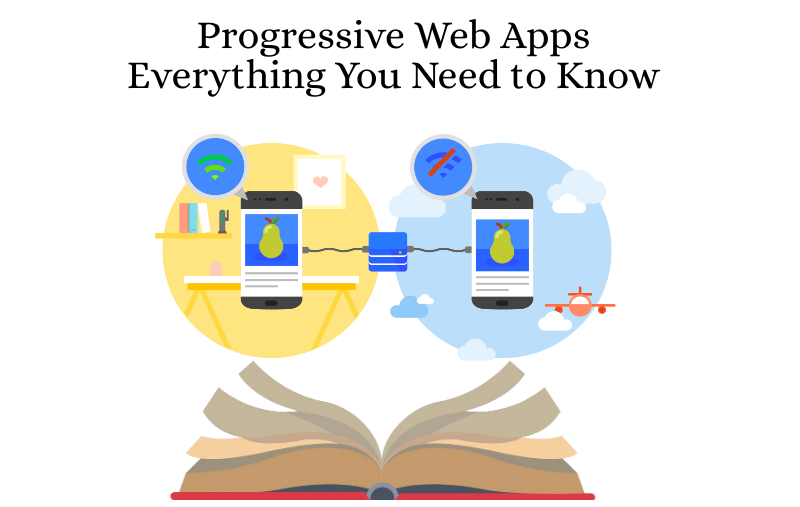
4. Progressive Web Apps vs Websites
The debate between progressive web apps vs websites highlights how experience can affect engagement. Google case studies show that PWAs can improve page load times by up to 50% and increase user engagement by 20–30%.
In the progressive web apps vs websites comparison, PWAs offer offline access, push notifications, and app-like behavior, enabling businesses to achieve higher retention without requiring users to install native apps.
Web App Development Cost vs Website Development Cost
Cost is a major factor in the decision between a web app and a website. Let’s compare web app vs website development costs across scope, complexity, features, and long-term effort to understand the real cost.
| Cost Factor | Website | Web App |
| Initial Build Cost | Lower website development cost for basic sites | Higher web app development cost due to logic and features |
| Typical Range | $500 to $5,000 for small to mid sites | $5,000 to $50,000+ depending on complexity |
| Scope of Work | Pages, content, basic forms | Dashboards, workflows, user actions |
| Design Effort | Template-based or simple UI | Custom UI for strong UX |
| Functionality | Informational features | Advanced, task-driven features |
| Integration Needs | Minimal integrations | APIs, payment, third-party tools |
| Maintenance Cost | Lower website maintenance cost | Higher web app maintenance due to updates |
| Scalability Cost | Limited scaling needs | More cost for scaling users & data |
| Time to Build | Days to a few weeks | Weeks to several months |
| Long-Term Investment | Short-term presence focused | Long-term product or platform focus |
This web app vs website cost comparison shows that while website development costs are budget-friendly for visibility and branding, web app development services costs reflect the deeper functionality and scalability needed for interactive platforms.
Are Web Apps Good for SEO Compared to Websites?
SEO plays a vital role in online visibility. In this web app vs website comparison, let’s explore website SEO benefits, challenges with SEO for web applications, and whether web apps are good for SEO when it comes to rankings and reach.
| SEO Factor | Website | Web App |
| Search Visibility | Strong due to crawlable pages | SEO for web applications is more complex |
| Indexing Ease | Easy for search engines to index | May face web app indexing issues |
| Page Structure | Multiple static URLs | Often single-page views |
| Content Optimization | Simple on-page SEO | Needs extra setup for SEO |
| Load Behavior | Server-rendered by default | Often client-rendered |
| Ranking Potential | High for blogs & content | Depends on optimization |
| Technical SEO | Basic setup is usually enough | Advanced SEO needed. |
| Link Building | Easy to link to pages | Harder with dynamic routes |
| Updates | Content-driven updates | Feature-driven updates |
| Best Use | Blogs, guides, brand pages | Dashboards, tools, portals |
Web App vs. Website for Business and Startup Use Cases
Choosing between a business website vs web app depends on what you want to achieve. Whether it’s visibility, lead generation, or building a product, understanding when to use a website for a small business or a web app for business makes all the difference.
1. When a Website Makes Sense for Your Business
A website is often the first step for many companies. If your goal is to showcase your brand, explain your services, publish content, or collect leads, a website is the right choice.
A website for a small business works well when you need:
- Online presence and credibility
- Informational pages about products or services
- Blogs for content marketing and SEO
- Simple contact or inquiry forms
For early-stage companies, a website helps validate ideas before investing in larger platforms. In the business website vs web app debate, this makes websites ideal for awareness and trust-building.
2. When a Web App Is Better for Business Growth
If your business revolves around delivering a service or product through digital workflows, then a web app for business becomes essential.
A web app fits best when you need:
- User accounts and dashboards
- Data creation and management
- Subscription-based or SaaS models
- Automation of processes
- Real-time interactions
Many product-driven companies and platforms choose a web app for startups because it allows them to build and scale their core offering directly online.
3. Web App vs Website for Ecommerce and Platforms
For basic online selling, a website with ecommerce features may be enough. But when you need advanced carts, user profiles, order tracking, and integrations, the web app vs website for ecommerce choice often leans toward a web app for better control and customization.
Similarly, marketplaces, booking platforms, and customer portals typically require web-app-level functionality.
Pros and Cons of Web Apps vs Websites
To simplify the web app vs website decision, let’s look at the pros and cons. Understanding the advantages and disadvantages of each helps you choose the option that fits your goals, budget, and long-term vision.
Advantages and Disadvantages of Web Apps
Advantages of web apps:
- Highly interactive web apps that engage users
- Personalized dashboards and workflows
- Supports real-time web applications
- Scales well for growing user bases
- Ideal for SaaS and digital products
- Strong web app user experience for task-based platforms
Disadvantages of web apps:
- Higher web app development cost
- More complex architecture and maintenance
- Requires a strong backend and security setup
- Longer development timeline
- Needs continuous updates and monitoring
These advantages and disadvantages of web apps make them powerful, but only when your business truly needs advanced functionality.
Advantages and Disadvantages of Websites
Advantages of websites:
- Lower website development cost
- Faster to design and launch
- Easy to manage using a CMS
- Strong website SEO benefits
- Great for content marketing and branding
- Minimal technical complexity
Disadvantages of websites:
- Limited interactivity and personalization
- Not suitable for complex workflows
- Less engaging for returning users
- Hard to scale into feature-rich platforms
- Basic functionality compared to apps
How to Choose Between a Web App and a Website
To choose between a web app and a website, ask yourself:
- Do users need to perform actions or just read information?
- Is your platform the product, or is it supporting your business?
- Do you need personalization and real-time features?
- What is your budget and timeline?
- How do you plan to scale in the future?
Your answers will naturally guide the web app vs website decision.
Conclusion: Which One Should You Choose?
Choosing between a web app vs website is not about which is better in general. It is about which is right for your specific goals, users, and business model.
If your priority is visibility, branding, content marketing, and lead generation, a website is the smarter choice. It launches faster, is easier to manage, and offers strong SEO potential for attracting organic traffic.
On the other hand, if your platform needs to deliver personalized experiences, manage data, support real-time interactions, or act as your core product, a web app is the better fit. Web apps are built for functionality, scalability, and long-term user engagement.
In many cases, businesses use both. A website brings users in, while a web app keeps them engaged. That balanced approach often delivers the best results.
How CSSChopper Can Help You Build a Web App or Website
CSSChopper is a leading website development services provider that helps businesses turn ideas into high-performing digital products, whether you need a powerful web app or a conversion-focused website. With deep expertise in modern frontend frameworks, scalable backend development, and CMS platforms, CSSChopper delivers solutions tailored to your goals.
From intuitive UI/UX design to secure architecture and seamless integrations, our team ensures speed, performance, and scalability at every step. Whether you are launching a startup MVP or upgrading an enterprise platform, CSSChopper provides end-to-end development, quality assurance, and ongoing support to help your digital presence grow.
Tags
Categories
Recent Posts
Popular Posts
- How to Choose a Reliable Offshore Development Partner?
- Transforming Web Development with HTMX’s Declarative Approach for Dynamic UIs
- Why Your Conversion Funnel Needs a Composable Commerce Solution?
- What is B2B Web Design? Benefits, Best Practices, and Examples
- Top 15 Ecommerce Growth Strategies to Maximize Sales in 2026