- What is CRM and CMS?
- Difference Between CRM and CMS
- What is CRM and CMS Integration?
- Why Businesses Need CRM and CMS Integration
- Real-World CRM and CMS Platform Examples
- CMS and CRM Integration Tools and APIs
- Step-by-Step CRM Integration Process
- Common Challenges in CRM and CMS Integration
- Role of a CRM Integration Specialist
- Our Expertise in CRM and CMS Integration
Modern digital businesses no longer operate with isolated systems. Customer data, content, and engagement touchpoints must work together to deliver consistent experiences. This is where CRM and CMS integration becomes critical.
A CRM helps manage customer relationships, while a CMS powers your website content. When these systems operate independently, businesses struggle with disconnected data, generic content, and missed conversion opportunities. With effective website CRM integration, companies can align content delivery with real customer behavior.
As organizations scale, integrating CRM and CMS is no longer a technical upgrade. It is a strategic move supported by custom web development services that enables personalization, automation, and data-driven decision-making across digital channels.
This guide breaks down everything you need to know, from CRM and CMS to real-world integration use cases, tools, and best practices. So, let’s get started.
What is CRM and CMS?
Before understanding integration, it is essential to clearly define CRM and CMS and how each system functions independently.
Although both platforms manage information, they serve different purposes within a digital ecosystem. Understanding the difference between CRM and CMS helps businesses choose the right integration strategy.
What is a CRM?
A customer relationship management system focuses on managing interactions across the entire customer lifecycle. It stores customer data, tracks engagement, and supports sales, marketing, and support teams.
Key features of CRM include
- Contact management
- Lead tracking
- Sales pipelines
- Customer communication history
- Reporting dashboards.
These systems help businesses understand who their customers are and how they interact with the brand. When businesses talk about what is a CRM integration, they refer to connecting customer data with other platforms, such as websites, marketing tools, or content systems, to create a unified view of the customer.
What is a CMS?
A content management system allows teams to create, edit, manage, and publish digital content without relying heavily on developers. It powers most modern business websites and digital experiences.
Core features of CMS include
- Content creation tools
- Media management
- Version control
- Publishing workflows
- Role-based access.
These capabilities allow marketers and editors to update content quickly and consistently. Businesses often choose platforms based on scalability, flexibility, and support for different types of CMS, depending on whether they need traditional, headless, or hybrid architectures. Selecting the right system is a key part of the overall CMS platforms decision process.
Difference Between CRM and CMS
Understanding the difference between CRM and CMS is essential before planning integration. Although both platforms manage data, their roles, users, and objectives are fundamentally different.
CRM vs CMS: Comparison Table
| Aspect | CRM | CMS |
| Primary Purpose | Manage customer relationships and interactions | Manage and publish website content |
| Core Focus | Customer data, leads, sales, and engagement | Content creation, storage, and delivery |
| Key Users | Sales teams, marketing teams, support teams | Content editors, marketers, web admins |
| Data Type | Contacts, behavioral data, communication history | Pages, blogs, media, digital assets |
| Business Goal | Improve conversions, retention, and relationships | Deliver consistent and engaging content |
| Integration Role | Feeds customer insights into other systems | Displays personalized content using CRM data |
What is CRM and CMS Integration?
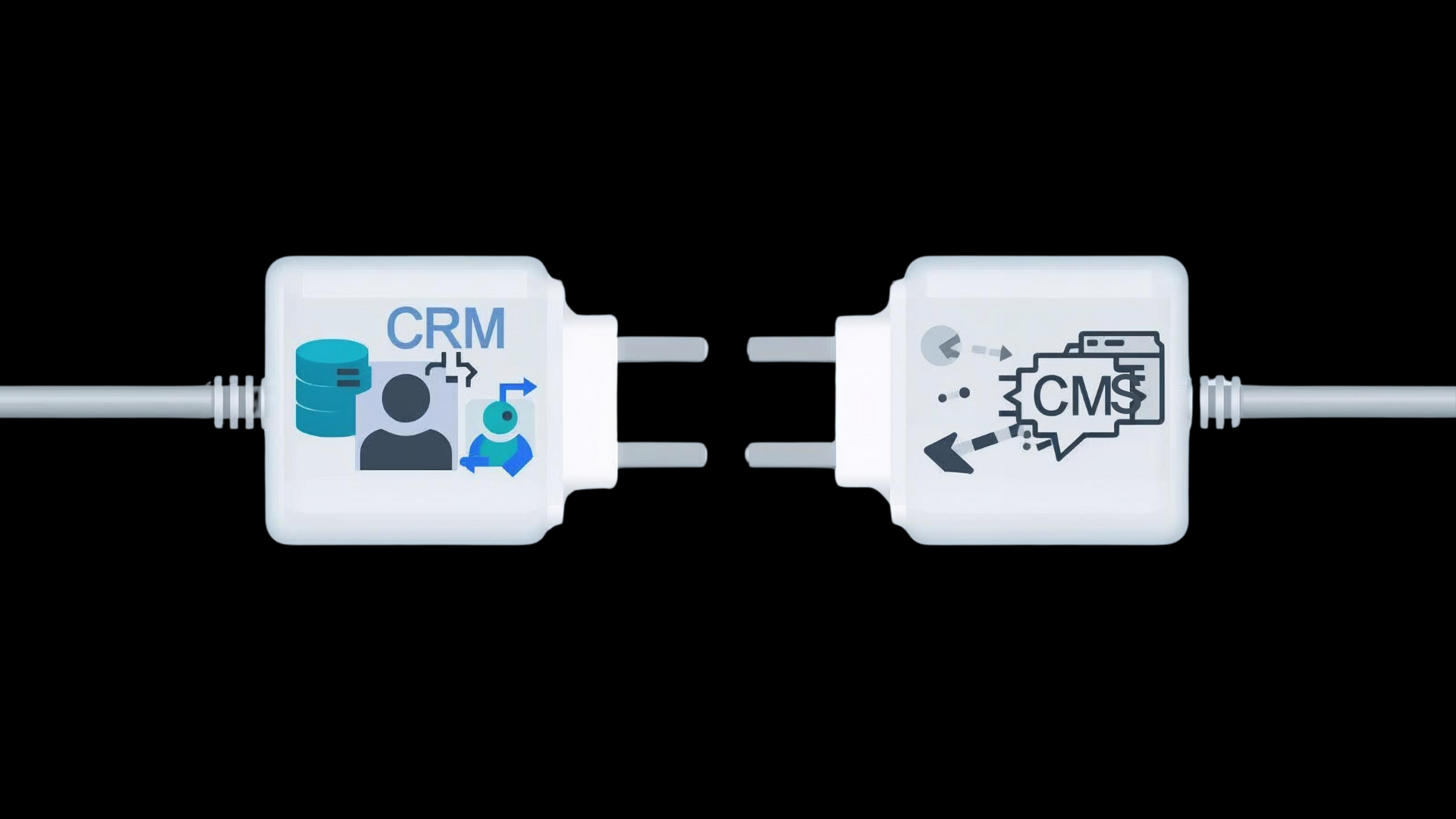
CRM and CMS integration refers to the process of connecting a Customer Relationship Management system with a Content Management System so that customer data and website content work together in real time.
In simple terms, it allows your website to communicate directly with your CRM.
User actions such as form submissions, page visits, content interactions, and downloads are automatically captured and synced. This is the foundation of effective website CRM integration.
From a technical perspective, integration is often handled through APIs, middleware, or native connectors. This is where developing a CMS website plays a critical role. It ensures the CMS is built to support backend integrations without performance issues.
Successful integration also depends on a reliable API integration, as APIs enable secure, real-time communication between CRM and CMS platforms.
Why Businesses Need CRM and CMS Integration
When customer data lives in a CRM and content lives in a CMS, operating them separately creates blind spots. Marketing teams lack behavioral insights. Sales teams miss context. Customers receive generic experiences. Integration bridges these gaps and delivers measurable CRM integration benefits.
1. Unified Customer Data Across Touchpoints
One of the biggest reasons businesses invest in website CRM integration is to centralize customer data. Every form submission, page visit, or content interaction captured on the website flows directly into the CRM.
This unified data view helps teams understand user intent, preferences, and engagement history in one place. It also reduces manual data entry and improves data accuracy across systems.
2. Personalized Content Experiences
Without CRM data, a CMS can only deliver static content. With integration, content becomes dynamic and personalized.
CRM insights allow websites to display relevant messages, offers, or CTAs based on customer behavior and lifecycle stage. This level of personalization significantly improves engagement and conversion rates.
3. Improved Lead Management and Conversion Rates
Integrated systems ensure that leads captured through website forms are instantly available inside the CRM. This enables faster follow-ups, better lead scoring, and improved sales alignment.
Instead of treating every visitor the same, businesses can tailor content and outreach strategies using real-time CRM insights. This is a core CRM integration benefit for revenue-focused teams.
4. Better Marketing and Sales Alignment
CRM and CMS integration aligns marketing and sales around a single source of truth. Marketing teams can see which content drives engagement, while sales teams gain visibility into what prospects have already consumed.
This alignment improves campaign effectiveness and ensures consistent messaging throughout the customer journey. It also supports more strategic decisions by designing content around measurable outcomes.
5. Scalable Digital Operations
As businesses grow, manual workflows and disconnected platforms become bottlenecks. Integrated CRM and CMS systems support automation, scalability, and long-term efficiency.
From content updates to customer nurturing, integration reduces operational friction and supports future-ready architectures built using Agile web development services.
Real-World CRM and CMS Platform Examples
Understanding theory is important, but real value comes from seeing CRM and CMS integration in action. These CRM and CMS examples show how businesses across industries use integrated systems to improve engagement, efficiency, and conversions.
eCommerce Websites
In eCommerce, CRM and CMS integration enable personalized shopping experiences. Customer behavior, such as product views, cart activity, and purchase history,, flows from the website into the CRM.
The CMS uses this data to display personalized product recommendations, targeted offers, and dynamic content. This approach improves customer retention and supports scalable enterprise website development strategies.
B2B and SaaS Platforms
For B2B and SaaS businesses, websites play a critical role in lead generation and nurturing. With website CRM integration, every form submission and content interaction is automatically logged in the CRM.
Sales teams gain visibility into which pages, blogs, or resources a prospect has engaged with. This context helps them personalize outreach and shorten sales cycles without manual follow-ups.
Healthcare and Professional Services
In regulated industries like healthcare or professional services, CRM and CMS integration improves communication while maintaining data integrity.
Websites capture inquiries, appointment requests, or service interests through the CMS. This data is securely synced with the CRM, enabling better follow-up and patient or client engagement through structured workflows.
Content-Driven and Media Websites
Content-heavy websites benefit from CRM integration by enabling deeper understanding of reader behavior. CRM data helps identify returning visitors, popular content types, and engagement patterns.
CMS and CRM Integration Tools and APIs
Once businesses understand how website CRM integration works, the next step is choosing the right technology to power it. This is where CRM integration tools and APIs play a central role.
The right integration method depends on system complexity, data volume, and customization requirements. Some businesses prefer ready-made tools, while others rely on APIs for deeper control.
CMS and CRM Integration Tools
These tools act as middleware and simplify CRM and CMS integration without heavy custom development. They are ideal for businesses looking for faster deployment and lower technical complexity.
| Tool Name | Supported CMS | Supported CRM | Best Use Case |
| Zapier | WordPress, Webflow, Drupal | HubSpot, Salesforce, Zoho | Quick automation between forms, leads, and CRM workflows |
| Make (Integromat) | WordPress, Headless CMS | Salesforce, HubSpot | Advanced automation with complex logic and data mapping |
| HubSpot CMS Plugins | WordPress, HubSpot CMS | HubSpot CRM | Native CMS–CRM sync for inbound marketing |
| Salesforce Connectors | WordPress, Drupal | Salesforce CRM | Enterprise-grade CRM website integration |
When to use tools:
- Standard form submissions
- Lead capture and syncing
- Marketing automation
- Faster time-to-market
CMS and CRM Integration API
APIs provide deeper customization and scalability. They are best suited for enterprises, high-traffic platforms, and businesses with complex personalization needs.
| API | Used With CMS | Used With CRM | Key Capabilities |
| Salesforce REST API | WordPress, Headless CMS | Salesforce | Real-time lead sync, custom objects, workflows |
| HubSpot CRM API | WordPress, HubSpot CMS | HubSpot | Contact tracking, content personalization |
| Zoho CRM API | WordPress, Custom CMS | Zoho CRM | Secure data sync and automation |
| Microsoft Dynamics 365 API | SharePoint, Custom CMS | Dynamics CRM | Enterprise data integration and analytics |
When to use APIs:
- Advanced personalization
- Real-time data syncing
- High-volume traffic
- Custom workflows and logic
Step-by-Step CRM Integration Process
A well-defined CRM integration process helps businesses connect systems without disrupting operations or customer experience. Whether you plan to integrate CMS with a CRM using tools or APIs, following a structured approach ensures long-term success.
Below is a practical breakdown of how to integrate CRM with a CMS in eight clear steps.
Step 1: Define Integration Goals
The first step is understanding why you want to integrate. Some businesses focus on lead capture, while others want personalization or automated follow-ups.
Clear goals help determine what data needs to move between systems and how the integration should support business outcomes.
Step 2: Audit Existing CRM and CMS Data
Before integration, review how customer data and content are currently stored. This includes form fields, user profiles, content types, and workflows.
Auditing early prevents data duplication and ensures both systems are aligned before syncing begins.
Step 3: Choose the Right Integration Method
At this stage, decide whether to use integration tools, APIs, or a hybrid approach. Tools are faster to deploy, while APIs offer greater flexibility.
The choice depends on customization needs, scalability requirements, and internal technical expertise.
Step 4: Prepare the CMS for Integration
The CMS must be structured to capture the right data. This involves configuring forms, content fields, and tracking points across the website.
A clean CMS setup ensures customer interactions are recorded accurately and passed to the CRM without friction.
Step 5: Map CRM Data Fields
Once data is captured, it needs to be mapped correctly inside the CRM. Website fields such as name, email, and behavior data must align with CRM objects.
Proper data mapping is critical to building complete customer profiles and avoiding reporting issues later.
Step 6: Implement the Integration
This is where the actual connection happens. APIs or integration tools are configured to transfer data securely and in real time.
During implementation, authentication, error handling, and sync logic must be carefully managed to ensure reliability.
Step 7: Test the Integration Thoroughly
Testing validates that the integration works as expected under real-world conditions. This includes testing different user scenarios, incomplete submissions, and repeated interactions.
Thorough testing helps catch errors early and ensures data flows accurately between the CMS and CRM.
Step 8: Monitor, Optimize, and Scale
After launch, integration must be monitored continuously. Track data accuracy, performance, and system stability.
As business needs grow, workflows can be optimized, new data points added, and automation expanded without reworking the entire integration.
Common Challenges in CRM and CMS Integration
While CRM and CMS integration delivers strong business value, it also presents technical and operational challenges. The table below highlights the most common issues businesses face during website CRM integration and provides effective ways to address them.
CRM and CMS Integration: Challenges and Solutions
| Challenge | Why It Happens | Recommended Solution |
| Data inconsistency and duplication | CRM and CMS store data in different formats and structures | Standardize data fields and create a unified data model before integration |
| Complex data mapping | Misaligned form fields, content types, and CRM objects | Perform detailed data mapping and validation during the planning phase |
| API limitations and rate limits | High traffic websites exceed API request thresholds | Use optimized API calls, batching, and caching mechanisms |
| Performance impact on website | Poorly implemented integration logic slows page load | Offload data sync to background processes and asynchronous workflows |
| Security and compliance risks | Weak authentication or unsecured endpoints | Use secure authentication methods, encryption, and role-based access controls |
Role of a CRM Integration Specialist
A CRM integration specialist ensures seamless connectivity between CRM and CMS platforms so customer data flows accurately and securely. Their role is to align business objectives with technical execution, avoiding data inconsistencies, performance issues, and scalability risks.
As integrations grow more complex, specialists help businesses implement reliable workflows, optimize APIs, and maintain long-term system stability.
Key responsibilities include:
- Planning and executing a CRM and CMS integration strategy
- Mapping website data to CRM fields accurately
- Configuring and managing CRM integration APIs
- Ensuring data security, compliance, and error handling
- Monitoring, optimizing, and scaling integrations over time
This expertise helps businesses achieve a stable and future-ready CRM integration process.
Our Expertise in CRM and CMS Integration
Our expertise in CRM and CMS integration lies in building seamless, scalable, and secure connections that align technology with business goals. We help businesses unify customer data and content workflows to deliver personalized, data-driven digital experiences. From strategy and platform selection to API implementation and optimization, our approach focuses on performance, accuracy, and long-term scalability.
We work with modern CMS architectures and leading CRM platforms to ensure smooth data flow, real-time synchronization, and automation. With a strong understanding of business processes and technical execution, we deliver integrations that reduce manual effort, improve customer engagement, and support future growth without complexity.
Categories
Recent Posts
Popular Posts
- How to Choose a Reliable Offshore Development Partner?
- Transforming Web Development with HTMX’s Declarative Approach for Dynamic UIs
- Why Your Conversion Funnel Needs a Composable Commerce Solution?
- How to Outsource Web Development in 2025: Complete Guide
- What are the Top Web Development Trends for 2025?